Reading Slot Controls on a Small Screen
The small-screen problem
A slot interface designed for a desktop has room for every button and display at once. On a phone, the same information has to fit into a fraction of the space. Games solve that by shrinking displays, moving controls into menus and relying on taps rather than precise clicks. The result works, but it is easier to miss something important, such as the stake or the information screen.
This guide gives practical advice for reading controls on a small screen. It describes common patterns rather than any specific game, because layouts differ between studios and titles. It belongs to our mobile gaming section.

Find the hidden controls first
On a phone, several controls are often tucked into a menu, typically shown as an icon with three lines or a gear. Before spinning, open it and look for:
- The information or paytable screen, which explains the rules.
- The stake settings, if they are not shown on the main screen.
- Sound and display options, which can make a long reading session more comfortable.
Knowing where these live means you will not need to hunt for them later, in the middle of a feature.
Check the stake deliberately
Small stake controls are easy to change by accident. A habit worth building is to check the stake display before every session and after any time you have opened a menu. In a demo the credit is virtual, but the habit carries over and keeps the balance changes easy to understand.
Avoid accidental taps
Large spin buttons are designed for thumbs, which also makes them easy to press by mistake. A few simple steps help:
- Hold the phone steadily and keep your thumb away from the spin button between spins.
- Pause after each spin to read the result before tapping again.
- Close menus fully before spinning, so a tap does not land on the wrong control.
Reading counters when space is tight
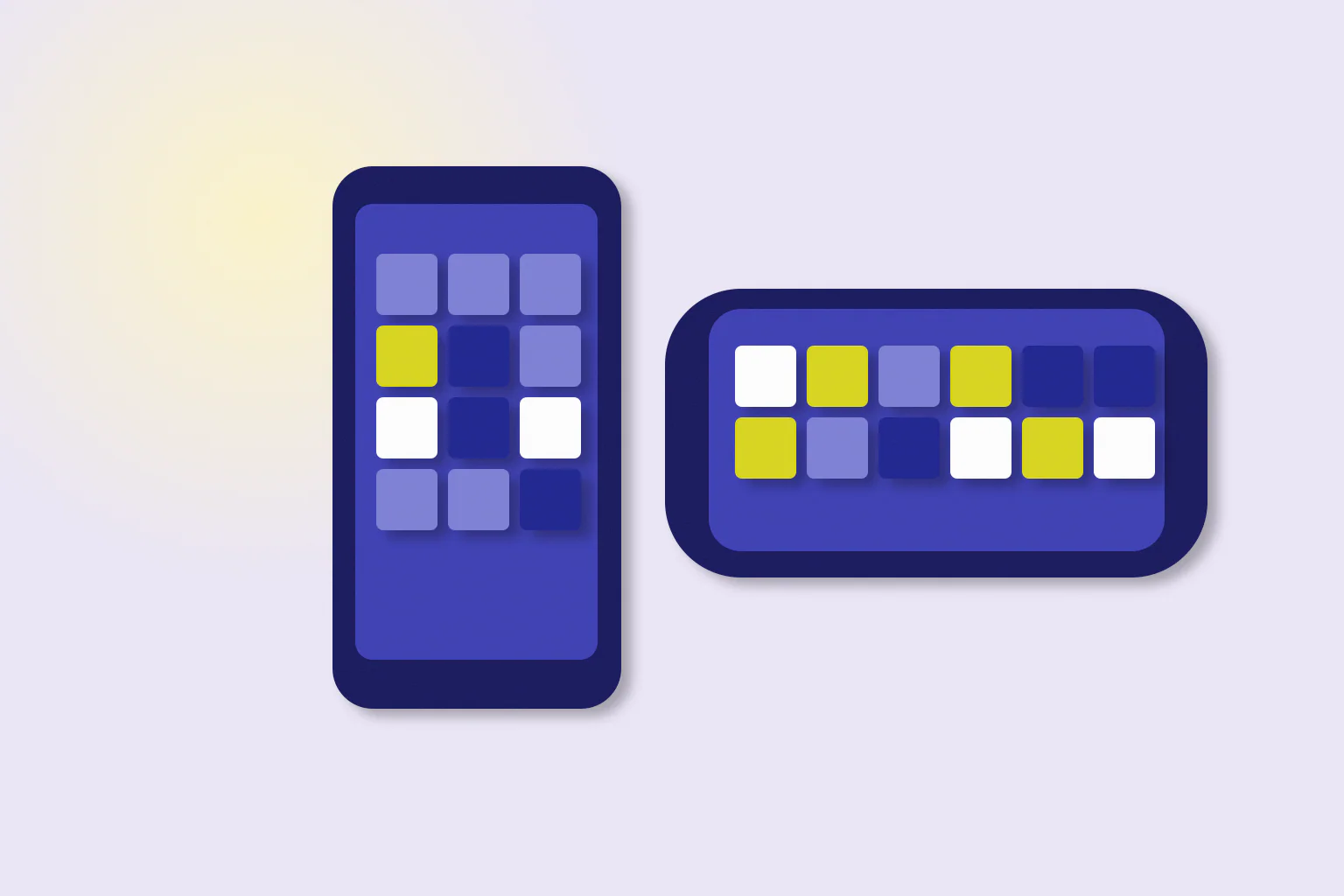
During a bonus feature, counters for remaining spins, multipliers and retrigger progress may be shown in small text above or below the reels. If they are hard to read, turning the phone to landscape often moves them beside the reels and makes them larger. Our comparison of portrait and landscape slot interfaces explains how layouts typically shift between orientations.
| Display | What it tells you | Small-screen tip |
|---|---|---|
| Spins remaining | How long the feature lasts | Watch it change after each spin |
| Multiplier | How wins are scaled | Check it again after a retrigger |
| Retrigger progress | How close the next retrigger is | Landscape often shows it larger |
| Win display | What the last spin or round paid | Wait for it to settle before reading |
A practical example
Imagine a feature starts and the counters appear as tiny figures above the reels. Instead of guessing, pause, turn the phone sideways and read the counters in the larger layout. Then continue spinning at your own pace, reading the spins-remaining display first and the win display last. Our guide to demo controls sets out that reading order in more detail.
Summary and further reading
On a small screen, find hidden controls before spinning, check the stake deliberately, avoid accidental taps and turn the phone when counters are too small to read. None of this changes how a game works; it makes the game easier to follow. For learning a game without any money at stake, see what a free-play mode can and cannot show, and for simpler layouts, read our guide to classic-style free slot games.
More in Mobile Gaming · Report a correction
Related reading
Portrait and Landscape Slot Interfaces Compared
How slot interfaces change between portrait and landscape orientation on a phone: where the reels, controls and information screens tend to move, and how to choose the view that is easiest to read.